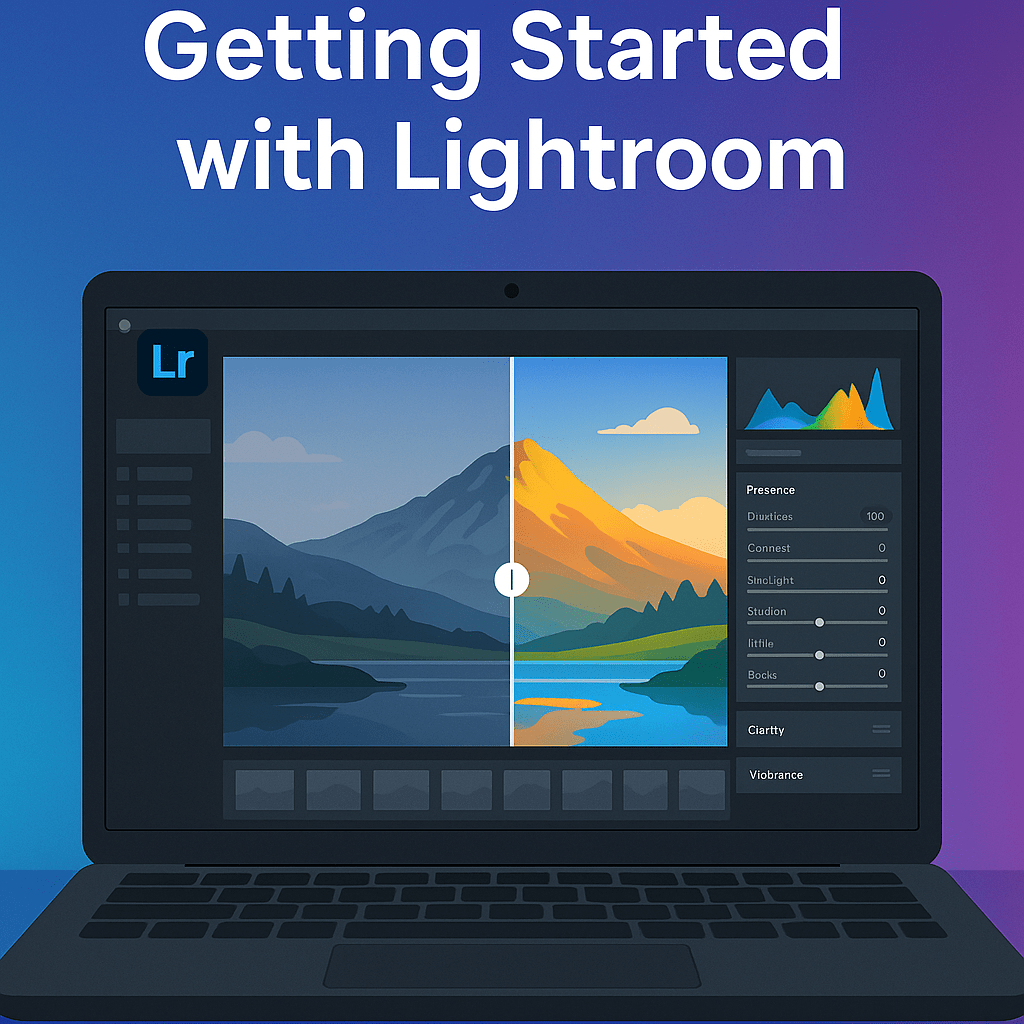
Adobe Lightroom has become one of the most essential tools for photographers, hobbyists, and content creators. Whether you’re editing photos for Instagram, building a professional portfolio, or just organizing your travel pictures, Lightroom makes it easy to bring out the best in your images.
What is Adobe Lightroom?
Lightroom is Adobe’s powerful photo editing and management software. It comes in two versions:
- Lightroom (Cloud-based): Designed for photographers who want to edit on desktop, mobile, and web with easy syncing.
- Lightroom Classic (Desktop-focused): Favored by professionals who prefer local file storage, advanced cataloging, and more granular editing controls.
Both versions give you access to non-destructive editing tools, meaning your original files remain untouched. Every edit can be reversed or adjusted at any time.
Key Features for Beginners
- Basic Adjustments – Correct exposure, contrast, highlights, and shadows.
- Crop & Straighten – Fix horizons and reframe your shots.
- Color Correction – Adjust temperature, tint, vibrance, and saturation.
- Presets – Apply one-click looks to transform your photos instantly.
- Photo Organization – Use catalogs, collections, and keywords to stay organized.
Why Use Lightroom Instead of Free Apps?
While apps like Snapseed or VSCO offer quick edits, Lightroom provides a professional-grade workflow that scales with you. You can start simple, but grow into advanced editing—color grading, lens corrections, masking, and HDR blending—all in one ecosystem.
First Steps to Get Started
- Download Lightroom → Choose between Lightroom or Lightroom Classic.
- Import Your Photos → Bring in images from your computer, camera, or mobile.
- Try Auto Adjust → Let Lightroom give you a starting point.
- Experiment with Presets → Explore free or premium presets to learn different styles.
- Save & Export → Share your edits online or prepare them for printing.
Final Thoughts
Adobe Lightroom is one of the best ways to level up your photography quickly. Even if you’re just starting, its intuitive design and powerful tools help you get professional results without being overwhelming.
✅ Ready to try it yourself?
Start your free trial of Adobe Lightroom today and see how easily your photos can go from average to extraordinary.




 Jelly GraphicsDesign