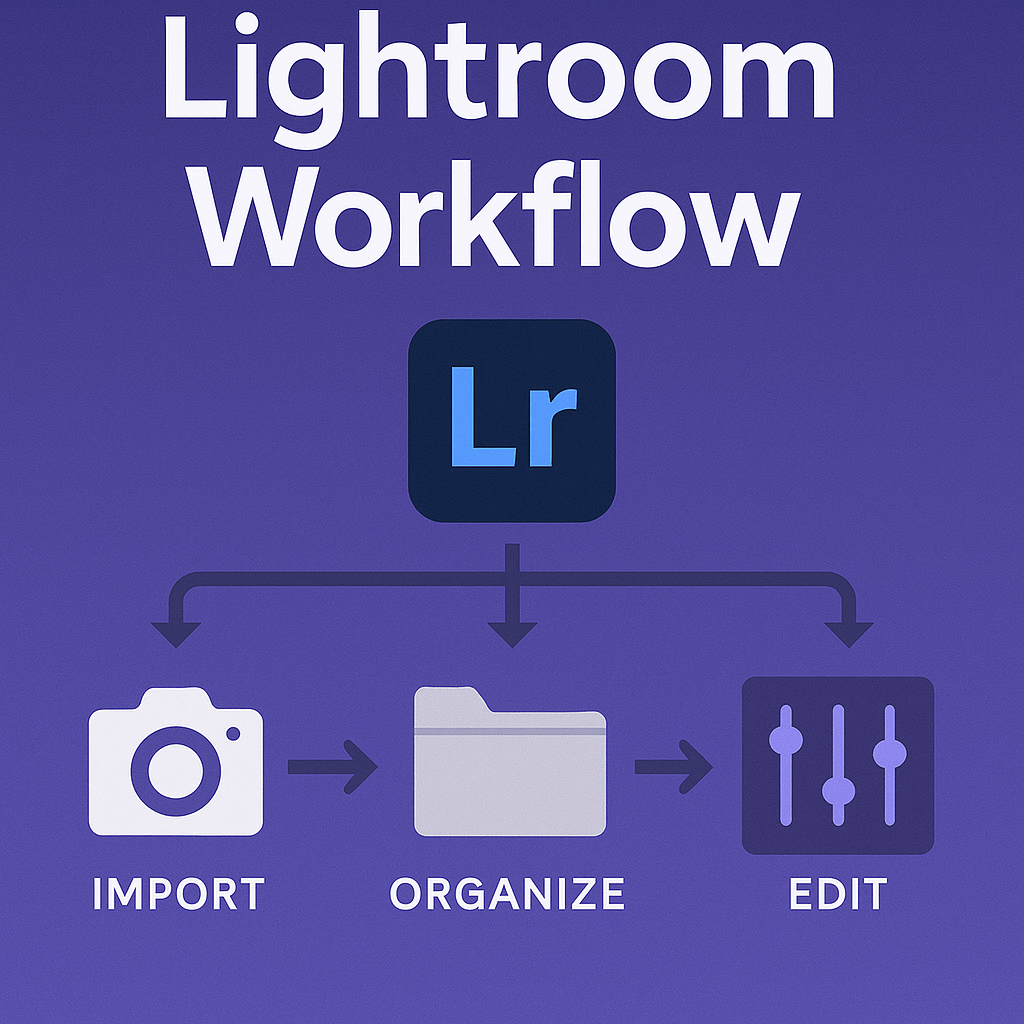
A smooth workflow in Lightroom can save hours of editing time and ensure consistency across projects. From the moment you import photos to the final export, following a structured process helps you stay organized and efficient.
Step 1: Import Your Photos
- Use the Import Dialog to bring photos into Lightroom.
- Choose a clear folder structure (e.g., Year → Month → Project).
- Apply metadata presets (copyright, contact info).
- Add keywords during import for faster searching later.
Step 2: Culling and Rating
- Switch to the Library Module.
- Use flags (P/X) to mark keepers and rejects.
- Apply star ratings (1–5) for quality control.
- Add color labels for categories (e.g., red = needs editing, green = final).
Step 3: Basic Adjustments (Quick Develop or Develop Module)
- Correct exposure, white balance, and contrast.
- Crop and straighten if necessary.
- Apply lens corrections and remove chromatic aberration.
Step 4: Detailed Editing
- Switch to the Develop Module.
- Use masks for precise adjustments (sky, subject, etc.).
- Fine-tune colors using HSL and Color Grading.
- Apply sharpening and noise reduction.
- Add creative touches (vignette, grain, presets).
Step 5: Organization & Collections
- Create Collections for client projects or portfolios.
- Use Smart Collections for automated sorting (e.g., 5-star photos).
- Sync collections to Lightroom Mobile if needed.
Step 6: Exporting Photos
- Go to File → Export.
- Choose export presets:
- Web/Instagram → JPEG, sRGB, 1080px
- Print → TIFF/JPEG, Adobe RGB, 300 dpi
- Archive → Full-size JPEG or DNG
- Add watermarks if needed.
Pro Workflow Tips
- Build import presets to speed up organization.
- Create export presets for social, print, and web.
- Keep your catalog optimized for faster performance.
- Use Virtual Copies to test different editing styles without duplicating files.
Final Thoughts
A professional Lightroom workflow ensures your editing process is fast, organized, and consistent. Once you master these steps, you’ll spend less time clicking around and more time creating beautiful photos.
✅ Want to master Lightroom workflow yourself?
Download your free trial of Adobe Lightroom today and streamline your process from import to export.




 Jelly GraphicsDesign