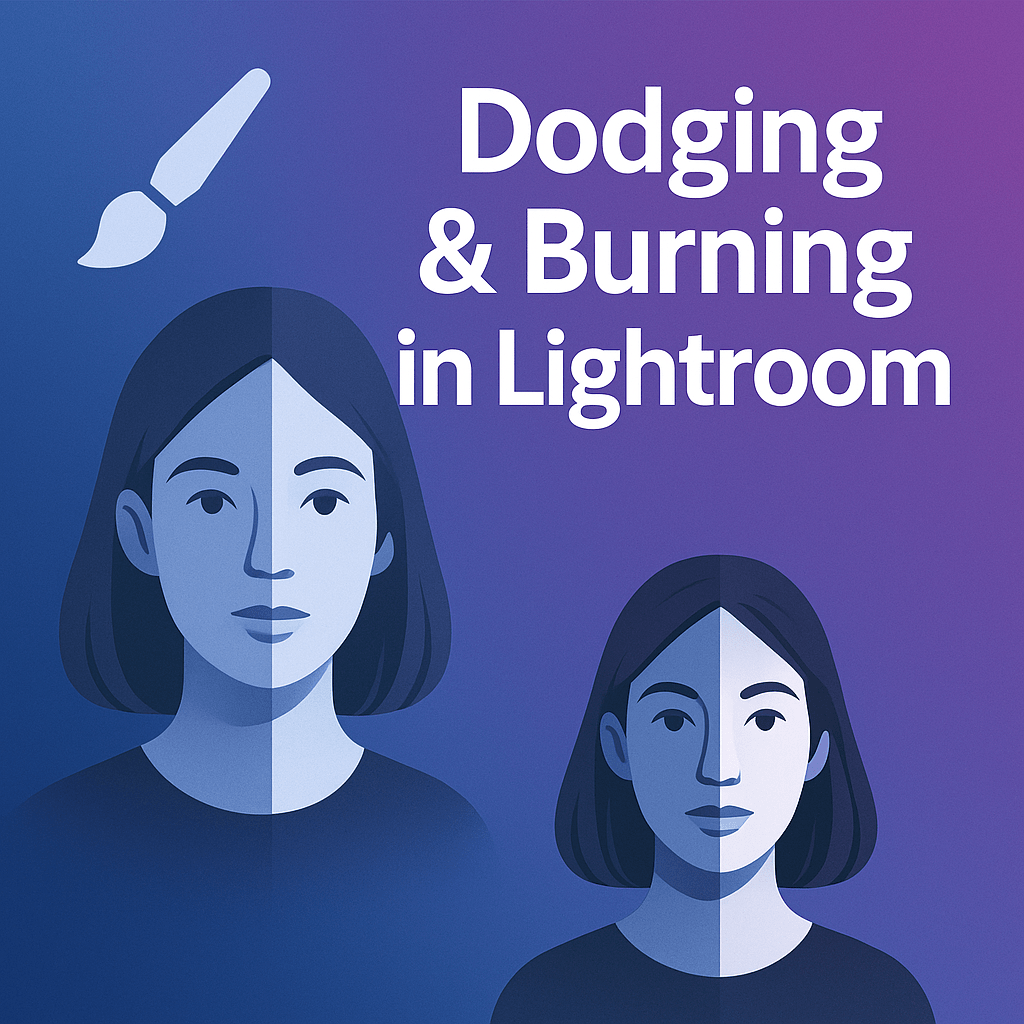
Dodging and burning are classic darkroom techniques photographers have used for decades. In the digital age, Lightroom makes these methods easier and more precise—allowing you to brighten (dodge) or darken (burn) specific areas of your photo for added depth and drama.
What is Dodging and Burning?
- Dodging → Brightening selected parts of an image.
- Burning → Darkening specific areas.
Together, these techniques enhance contrast and guide the viewer’s eye to the subject.
Tools for Dodging and Burning in Lightroom
1. Brush Tool (Manual Control)
- Select the Masking Brush.
- Paint over the area you want to adjust.
- Increase exposure to dodge, decrease to burn.
2. Radial Gradient
- Place an oval or circular mask.
- Brighten the subject (dodge) while softly darkening the surroundings (burn).
3. Linear Gradient
- Darken skies or brighten foregrounds with gradual effects.
4. AI-Powered Masks
- Use Select Subject or Select Sky for automatic precision.
- Adjust exposure and contrast to highlight or subdue areas instantly.
Step-by-Step: Dodging and Burning in Lightroom
- Open the Masking Panel.
- Choose the Brush Tool or AI selection.
- For Dodging → Increase exposure +0.3 to +0.7 stops.
- For Burning → Decrease exposure –0.3 to –0.7 stops.
- Refine with highlights, shadows, or texture sliders for subtle control.
Pro Tips
- Keep adjustments subtle—overdoing can look artificial.
- Use flow and feathering to create soft, natural transitions.
- Combine dodging and burning to add dimension to portraits, landscapes, or product shots.
Final Thoughts
Dodging and burning can turn a flat image into a dynamic, professional-looking photo. With Lightroom’s masking tools, it’s easier than ever to guide attention and create balanced, impactful edits.
✅ Want to master dodging and burning?
Download your free trial of Adobe Lightroom today and start shaping light like a professional.




 Jelly GraphicsDesign