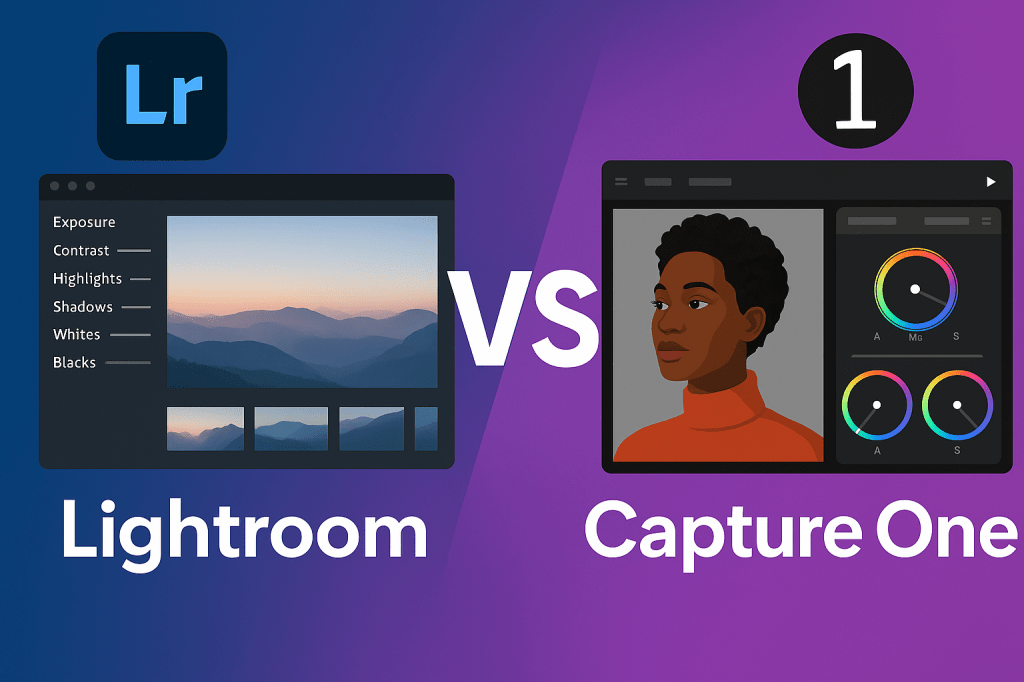
Lightroom and Capture One are two of the most popular photo editing tools used by professional photographers. Both offer powerful editing and organization features—but they differ in workflow, performance, and pricing. Choosing the right one depends on your photography style and needs.
Lightroom Overview
Lightroom is Adobe’s all-in-one photo editing and management tool. It integrates seamlessly with the Adobe Creative Cloud ecosystem.
Strengths:
- Excellent photo organization (catalogs, collections, keywords).
- User-friendly interface, great for beginners.
- Cloud sync across devices (desktop, mobile, web).
- Access to Photoshop through Adobe Photography Plan.
Weaknesses:
- Slower performance on very large catalogs.
- Subscription-only pricing.
Capture One Overview
Capture One, developed by Phase One, is a professional editing tool favored by studio and commercial photographers.
Strengths:
- Superior RAW processing and color rendering.
- Tethered shooting support (industry standard for studios).
- Advanced layer-based editing.
- Highly customizable interface.
Weaknesses:
- Steeper learning curve.
- Limited mobile app support.
- Higher upfront cost (but subscription and perpetual license options exist).
Lightroom vs Capture One: Feature Comparison
| Feature | Lightroom | Capture One |
|---|---|---|
| Ease of Use | Beginner-friendly | Advanced, steeper learning curve |
| Photo Organization | Excellent (catalogs & keywords) | Basic (sessions & catalogs) |
| Color Editing | Good | Exceptional (industry-leading) |
| Performance | Slower on large libraries | Faster with big RAW files |
| Tethered Shooting | Limited | Industry standard |
| Mobile Apps | Full (iOS & Android) | Limited |
| Price | Subscription only | Subscription or one-time license |
Which Should You Choose?
- Choose Lightroom if → You want an all-in-one tool for editing, organizing, and syncing across devices. Ideal for travel, wedding, and lifestyle photographers.
- Choose Capture One if → You need the best RAW color handling, tethered shooting, and professional-grade studio workflows.
Final Thoughts
Both Lightroom and Capture One are excellent choices. Lightroom excels in workflow and accessibility, while Capture One shines in color accuracy and studio features. Many professionals even use both, depending on the project.
✅ Want to try Lightroom yourself?
Start your free trial of Adobe Lightroom today and experience its powerful editing and cloud-syncing features.




 Jelly GraphicsDesign