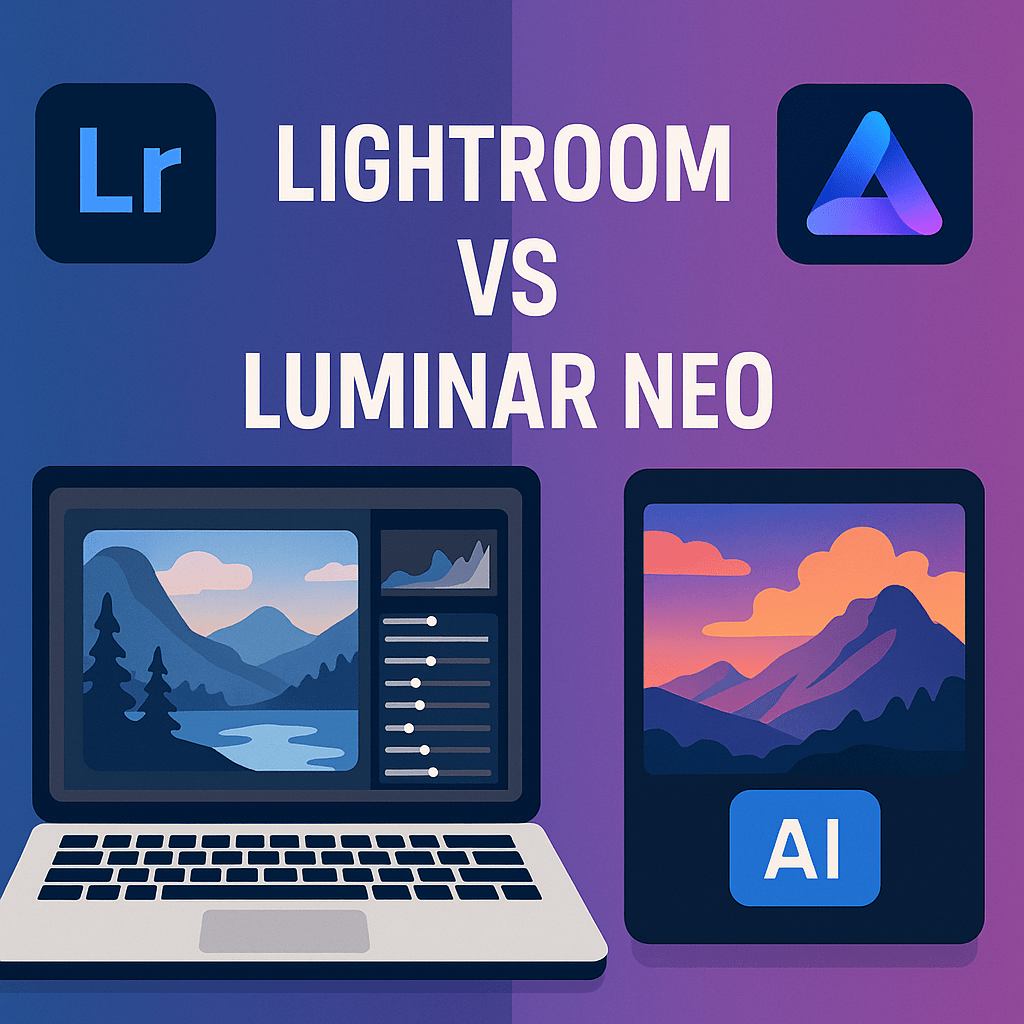
Lightroom has been the gold standard for photographers for years, but AI-powered tools like Luminar Neo are changing the game. Both offer powerful editing features, but they take different approaches. Here’s how they compare in 2025.
Lightroom Overview
Lightroom focuses on precision, workflow, and consistency. It’s designed for professional photographers who need both editing and catalog management.
Strengths:
- Excellent photo organization (catalogs, keywords, metadata).
- Precise manual control over edits.
- Cloud syncing across devices.
- Integration with Photoshop for advanced editing.
Weaknesses:
- Fewer AI features compared to Luminar.
- Slower for one-click edits.
Luminar Neo Overview
Luminar Neo is built around AI-driven photo editing, designed to save time and make editing accessible to beginners while still powerful for pros.
Strengths:
- AI-powered tools like sky replacement, background removal, portrait retouching.
- Fast one-click enhancements.
- Affordable with perpetual license option.
- Beginner-friendly with minimal learning curve.
Weaknesses:
- Limited catalog and photo management features.
- Less precise for professional workflows.
- Fewer integrations compared to Adobe’s ecosystem.
Lightroom vs Luminar Neo: Feature Comparison
| Feature | Lightroom | Luminar Neo |
|---|---|---|
| Ease of Use | Professional, learning curve | Beginner-friendly, fast AI edits |
| Photo Organization | Excellent (catalogs & sync) | Basic |
| AI Tools | Some (masks, subject/sky select) | Extensive (sky replace, AI portrait, background removal) |
| Performance | Strong, but slower with AI tasks | Fast one-click edits |
| Creative Flexibility | High (manual control) | High (AI-driven creativity) |
| Price | Subscription only | Subscription or one-time license |
Which Should You Choose?
- Choose Lightroom if → You want a professional workflow with organization, presets, and integration into Adobe Creative Cloud.
- Choose Luminar Neo if → You want fast, AI-driven edits with minimal effort, especially for portraits, landscapes, and creative effects.
Final Thoughts
Lightroom excels in precision and workflow, while Luminar Neo shines in AI-powered creativity. Many photographers use both—Lightroom for organization and consistency, Luminar for quick AI edits.
✅ Want to try Lightroom with AI-powered tools?
Start your free trial of Adobe Lightroom today and see how it compares to Luminar Neo.




 Jelly GraphicsDesign