-
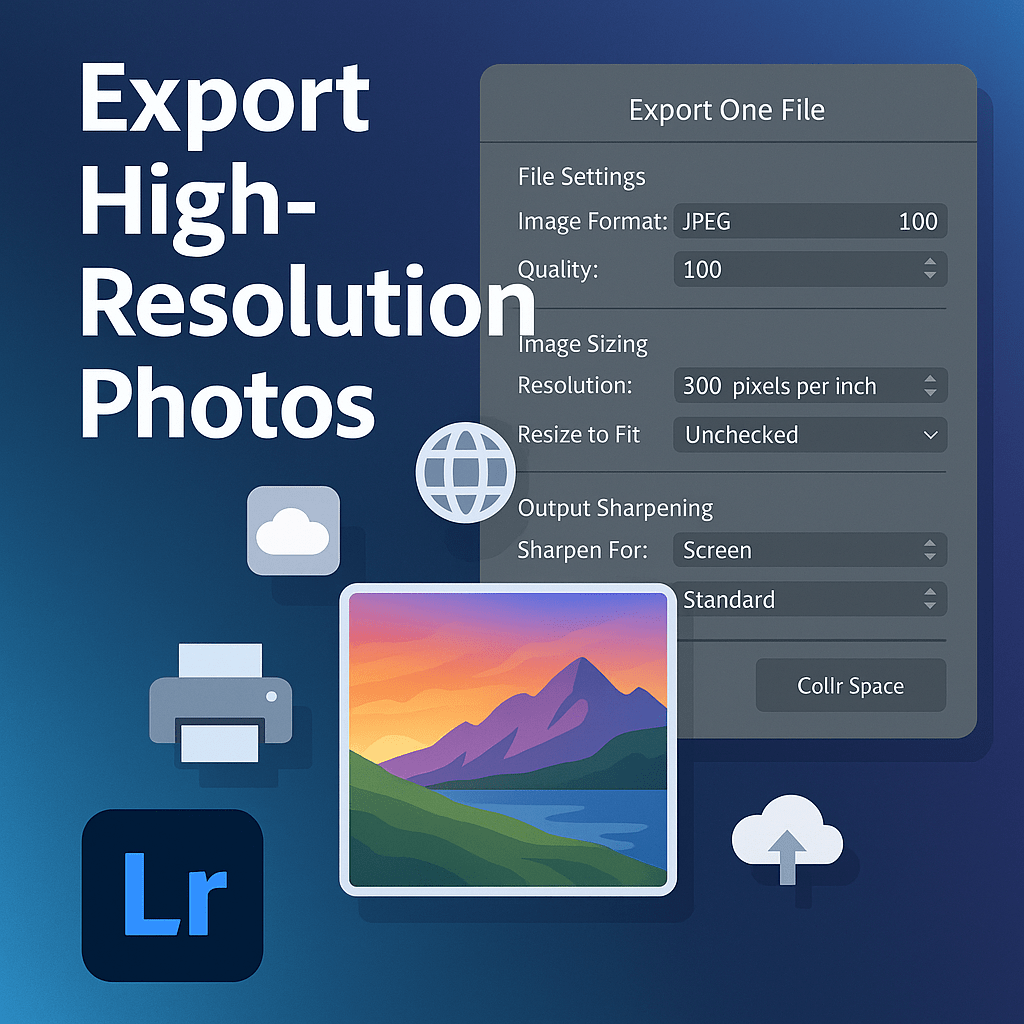 Continue reading →: Exporting High-Resolution Photos in Lightroom Without Losing Quality
Learn how to export high-resolution photos from Lightroom without losing quality. Step-by-step settings for print, web, and client delivery.
-
 Continue reading →: Lightroom vs Darktable: Open Source vs Adobe
Lightroom vs Darktable: Which is better? Compare Adobe’s paid subscription photo editor with Darktable, a free open-source RAW editor for photographers.
-
 Continue reading →: Exporting Large Batches in Lightroom: Speed & Efficiency Tips
Save time exporting hundreds of photos in Lightroom. Learn batch export tips for speed, efficiency, and reliability with presets, smart previews, and parallel processing.
-
 Continue reading →: Lightroom vs Capture One: Which Is Best for Photographers?
Lightroom or Capture One? Learn the key differences in editing, workflow, and pricing to find out which software is best for your photography needs.
-
 Continue reading →: Lightroom vs Luminar Neo: AI Editing Face-Off
Lightroom or Luminar Neo? Compare AI-powered photo editing with traditional workflows. Learn which software is best for professional and creative photographers.
-
 Continue reading →: Lightroom Split Toning vs Color Grading: What’s the Difference?
Split Toning vs Color Grading: What’s the difference in Lightroom? Learn how the old tool compares to modern Color Grading and how to use it for cinematic looks.
-
 Continue reading →: Lightroom Editing Tips for Wedding Photographers
Learn the best Lightroom editing tips for wedding photographers. From presets and skin tones to batch editing and finishing touches, make every wedding gallery shine.
-
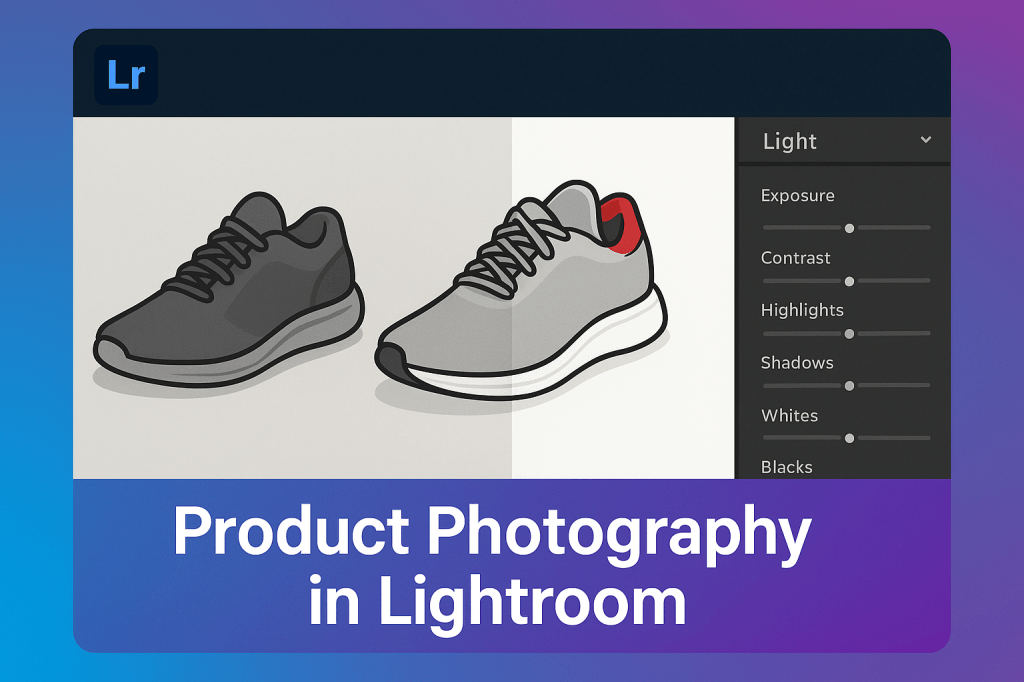 Continue reading →: Lightroom for Product Photography: Clean, Professional Edits
Edit product photos like a pro with Lightroom. Learn step-by-step tips for color accuracy, sharpening, local adjustments, and exports for web or print.
-
 Continue reading →: Lightroom for Real Estate Photography: Bright Interiors Made Easy
Make interiors shine with Lightroom editing for real estate photography. Learn how to brighten spaces, correct distortion, and export photos for MLS and web.
-
 Continue reading →: Lightroom Editing Guide for Food Photographers
Enhance your food photography with Lightroom. Learn how to edit colors, textures, and lighting to create vibrant, professional, and appetizing food images.
Hello,
I’m Ben

Welcome to Jelly GraphicsDesign, my cozy corner of the internet dedicated to all things on Adobe Lightroom. Here, I invite you to join me on a journey of creativity, craftsmanship, and all things handmade with a touch of love. Let’s get crafty!
Let’s connect
Join the fun!
Stay updated with our latest tutorials and ideas by joining our newsletter.




 Jelly GraphicsDesign