-
 Continue reading →: How to Back Up Your Lightroom Catalogs Safely
Protect your edits and metadata with Lightroom catalog backups. Learn how to set up safe backups using external drives, cloud storage, and Lightroom’s built-in tools.
-
 Continue reading →: Lightroom Classic Performance Tips: Speed Up Editing on Any Computer
Lightroom Classic running slow? Learn 7 performance tips to speed up editing—optimize catalogs, use Smart Previews, GPU acceleration, and faster storage.
-
 Continue reading →: Lightroom Quick Develop vs Develop Module: When to Use Each
Lightroom offers both Quick Develop and the Develop Module for editing. Learn the key differences, when to use each, and how to combine them for the fastest workflow.
-
 Continue reading →: Lightroom’s Library Module: The Ultimate Guide to Organizing Photos
Master Lightroom’s Library Module with this ultimate guide. Learn how to use grid, loupe, compare views, collections, and keywords to organize your photo library.
-
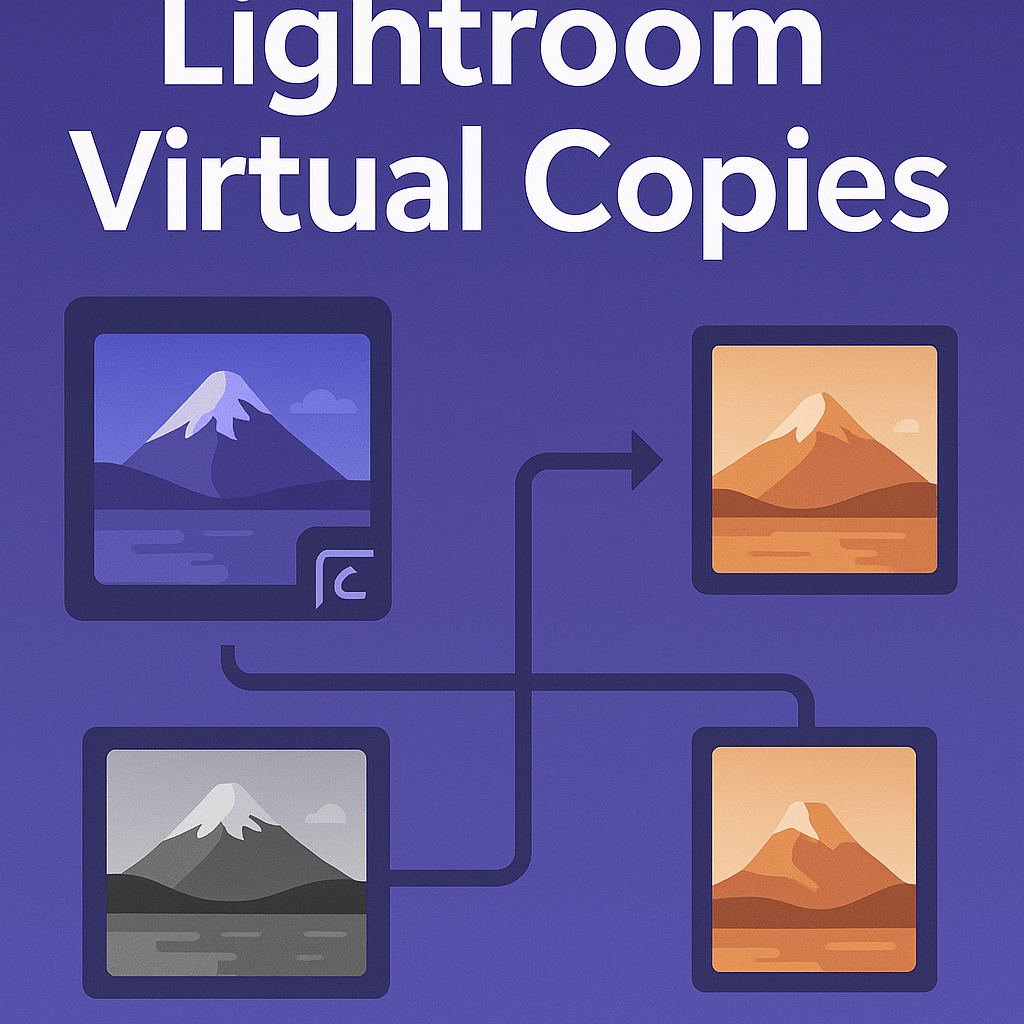 Continue reading →: How to Use Lightroom Virtual Copies Without Duplicating Files
Learn how to use Lightroom’s Virtual Copies to create multiple edits without duplicating files. Save space and experiment with black & white, presets, and crops easily.
-
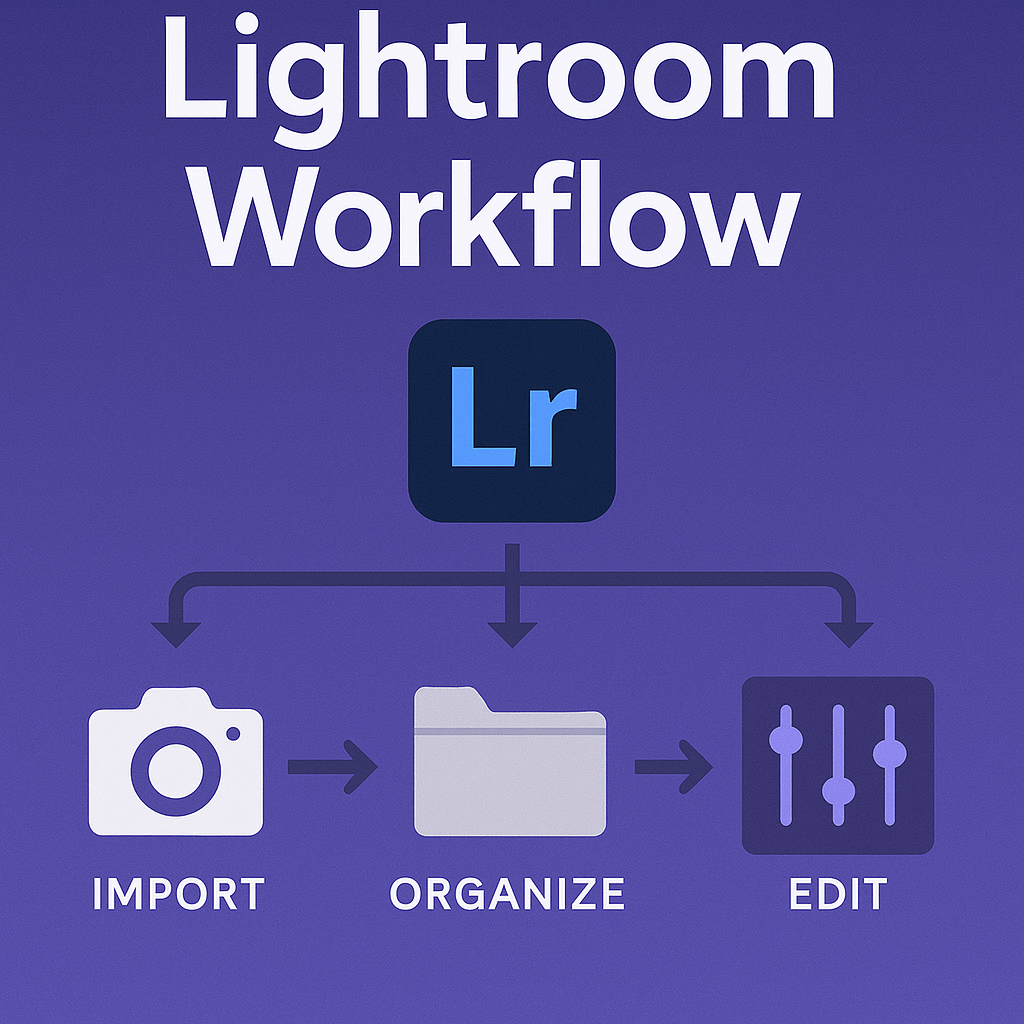 Continue reading →: Creating a Professional Lightroom Workflow from Import to Export
Streamline your editing with a professional Lightroom workflow. Learn the full process from import, culling, editing, organizing, and exporting photos efficiently.
-
 Continue reading →: How to Use Lightroom Keywords and Metadata Effectively
Learn how to use Lightroom keywords and metadata to organize your photo library. Save time with searchable tags, presets, and professional metadata workflows.
-
 Continue reading →: Lightroom Smart Collections: Automate Your Organization
Save hours of sorting with Lightroom Smart Collections. Learn how to automate photo organization with rules that group images by rating, keyword, date, or camera.
-
 Continue reading →: Best Export Settings in Lightroom for Instagram, Print, and Web
Make your photos look their best everywhere. Learn the best Lightroom export settings for Instagram, print, and the web, with step-by-step recommendations.
-
 Continue reading →: Lightroom Color Grading: Give Your Photos a Cinematic Look
Transform your photos with cinematic tones. Learn how to use Lightroom’s Color Grading panel to apply teal-orange looks, moody blues, and vintage warm styles.
Hello,
I’m Ben

Welcome to Jelly GraphicsDesign, my cozy corner of the internet dedicated to all things on Adobe Lightroom. Here, I invite you to join me on a journey of creativity, craftsmanship, and all things handmade with a touch of love. Let’s get crafty!
Let’s connect
Join the fun!
Stay updated with our latest tutorials and ideas by joining our newsletter.




 Jelly GraphicsDesign